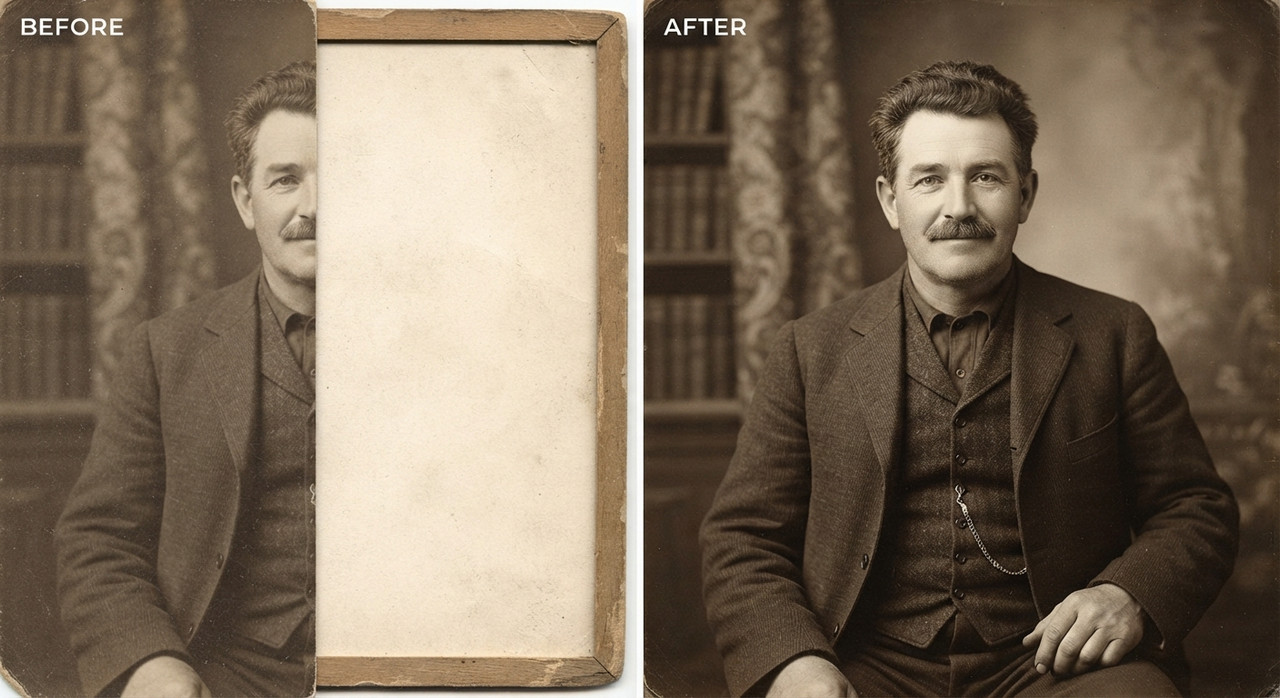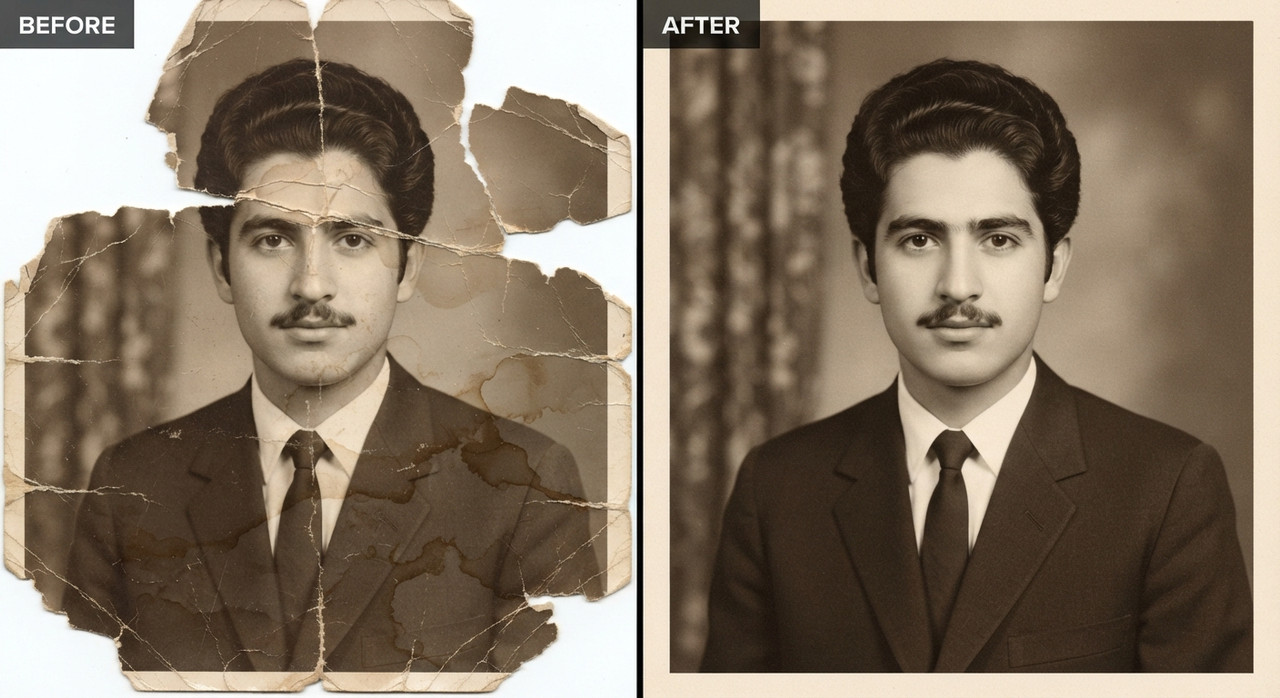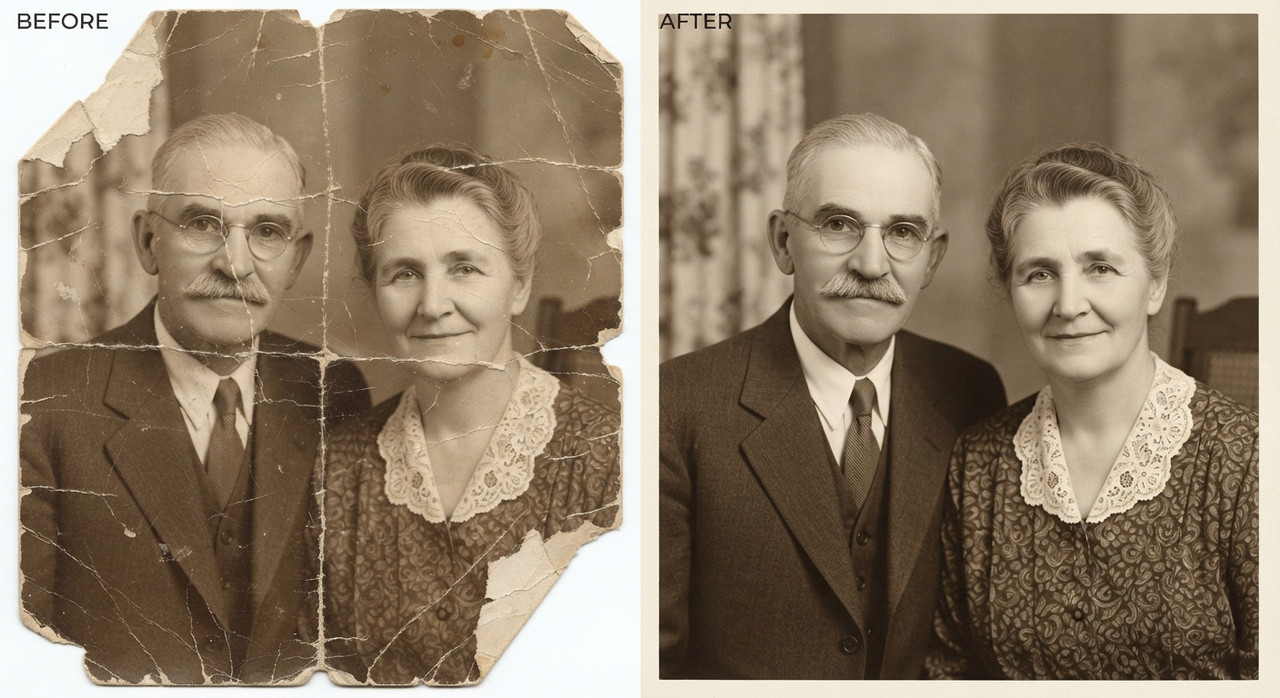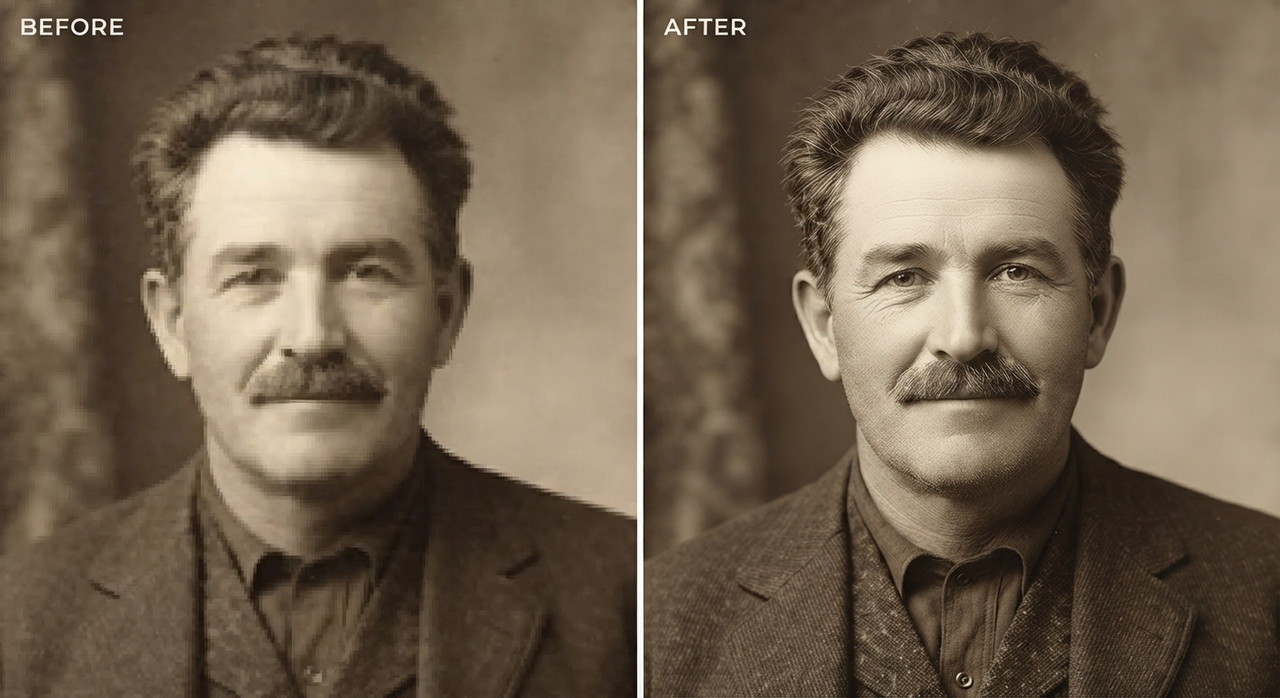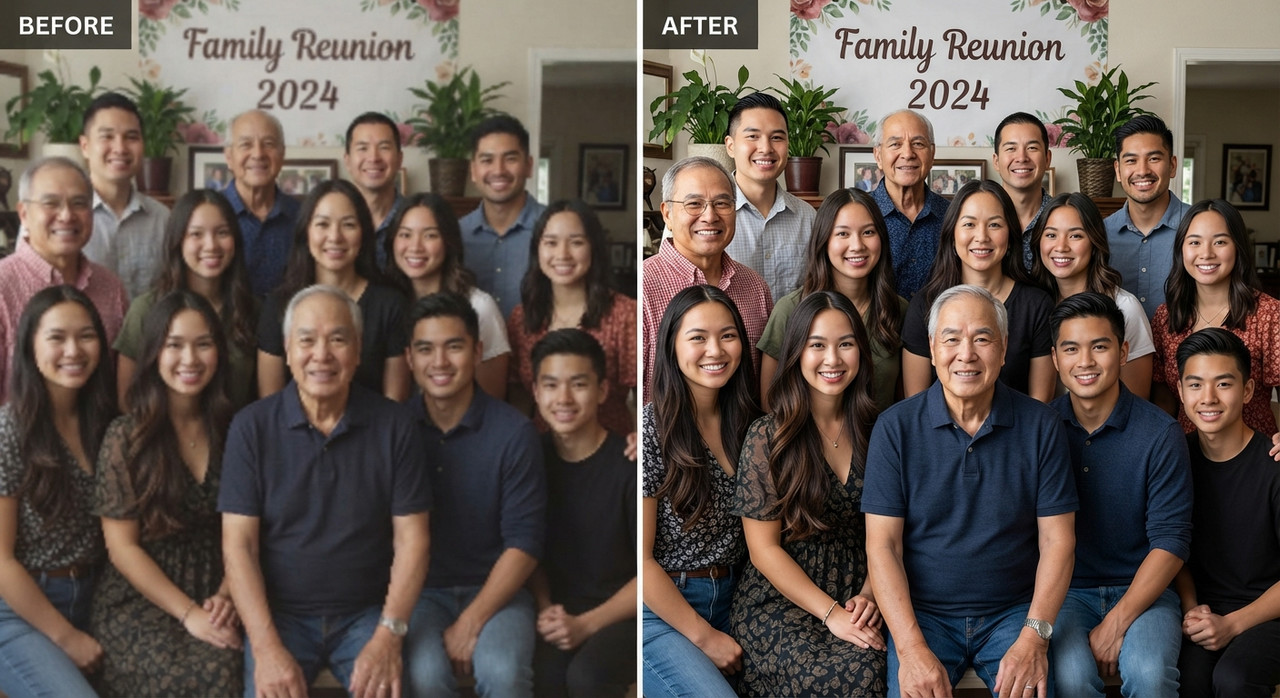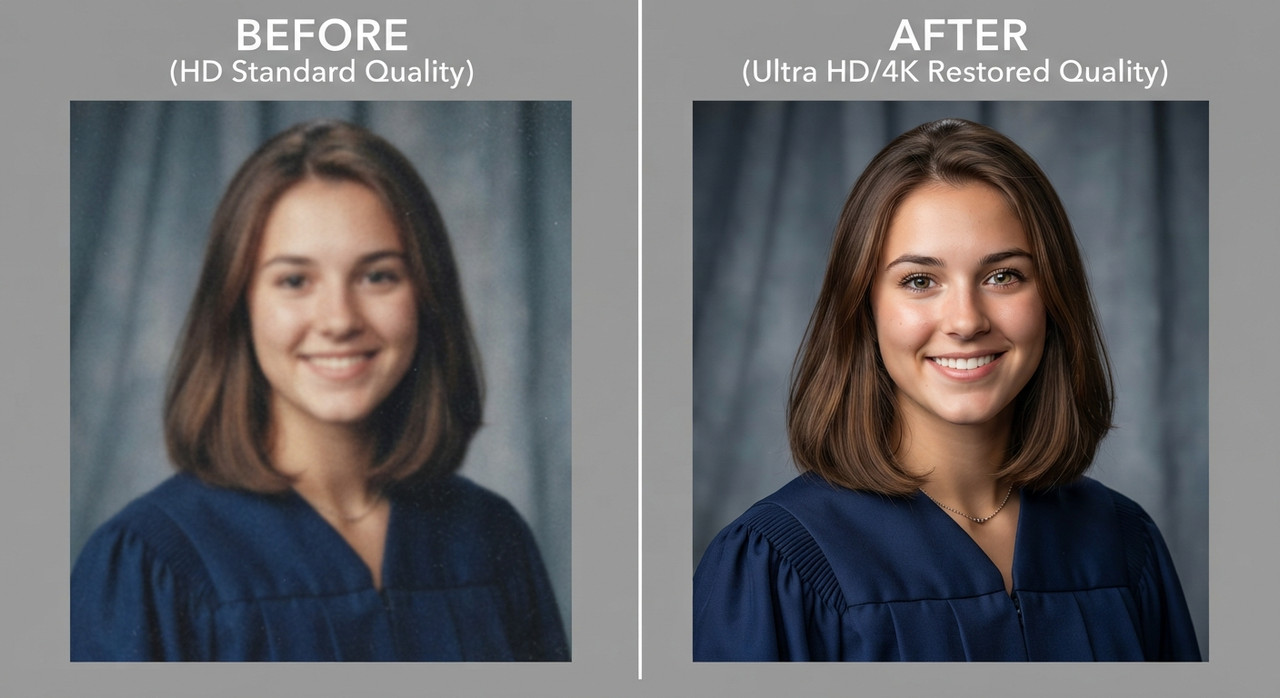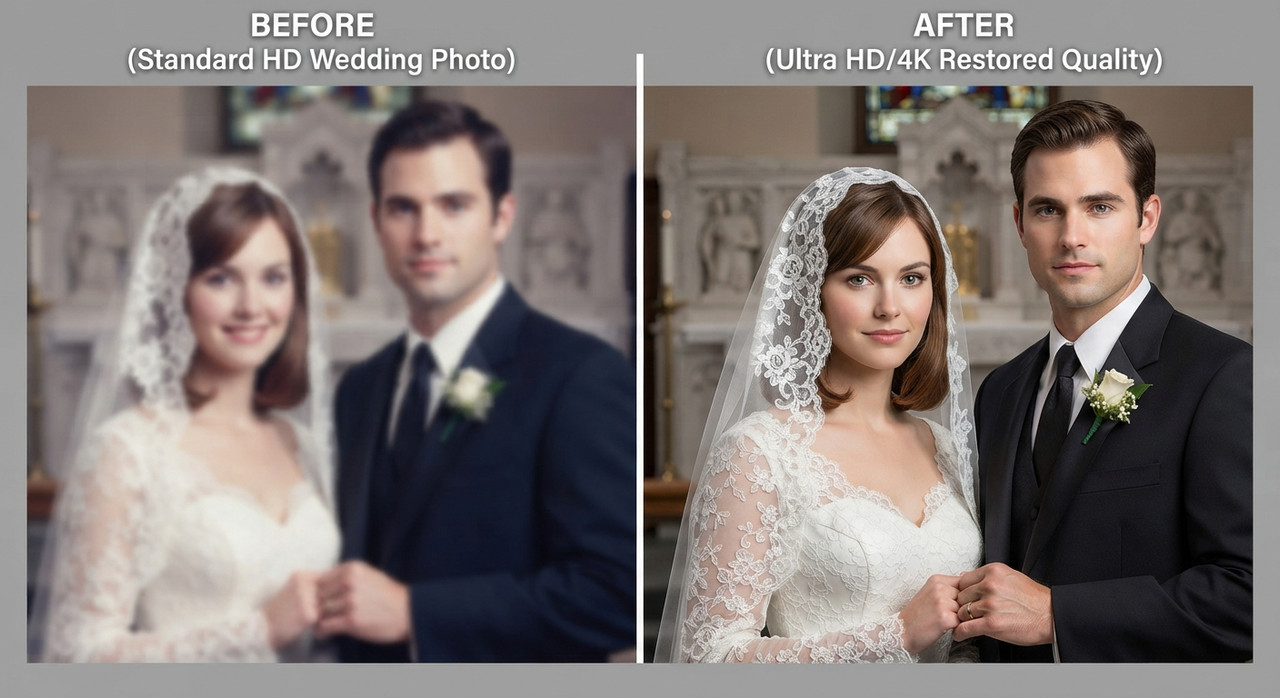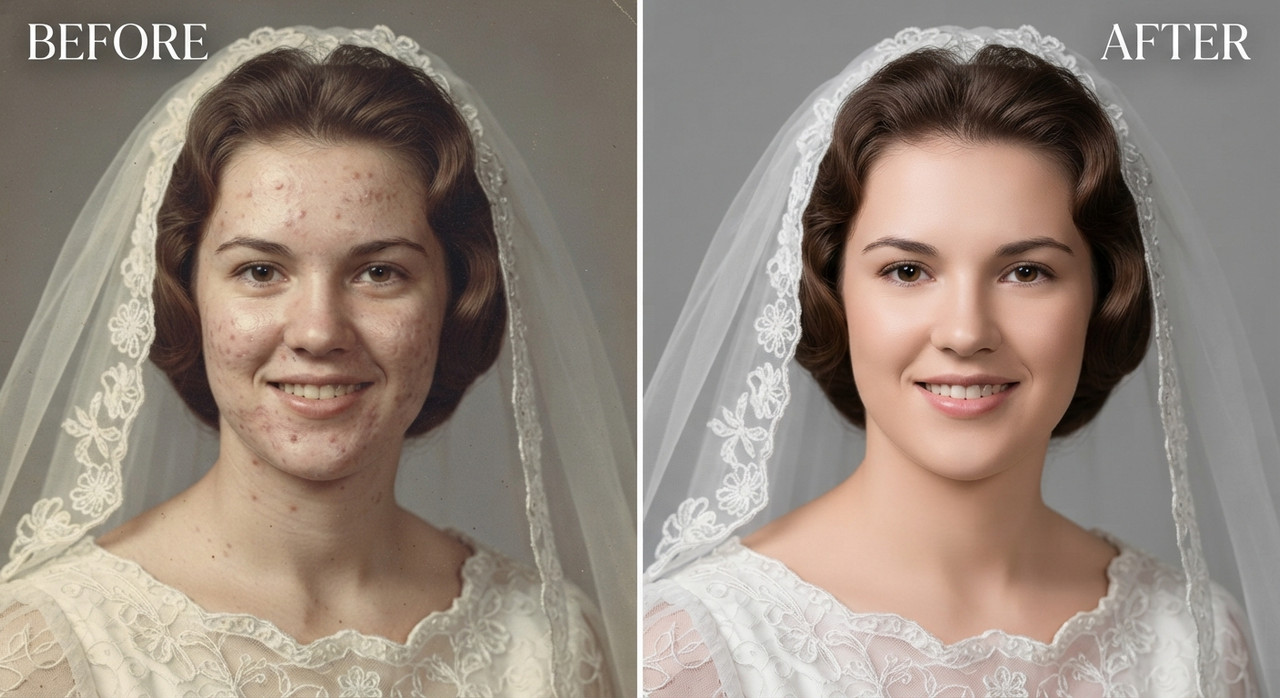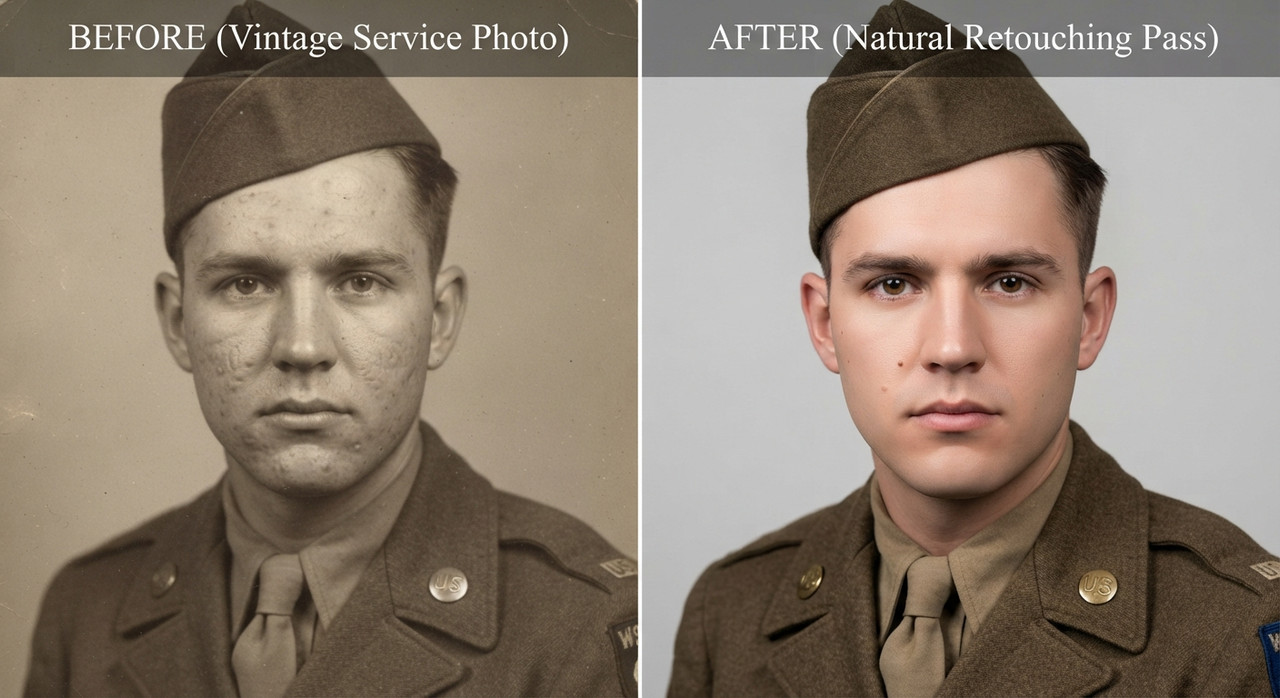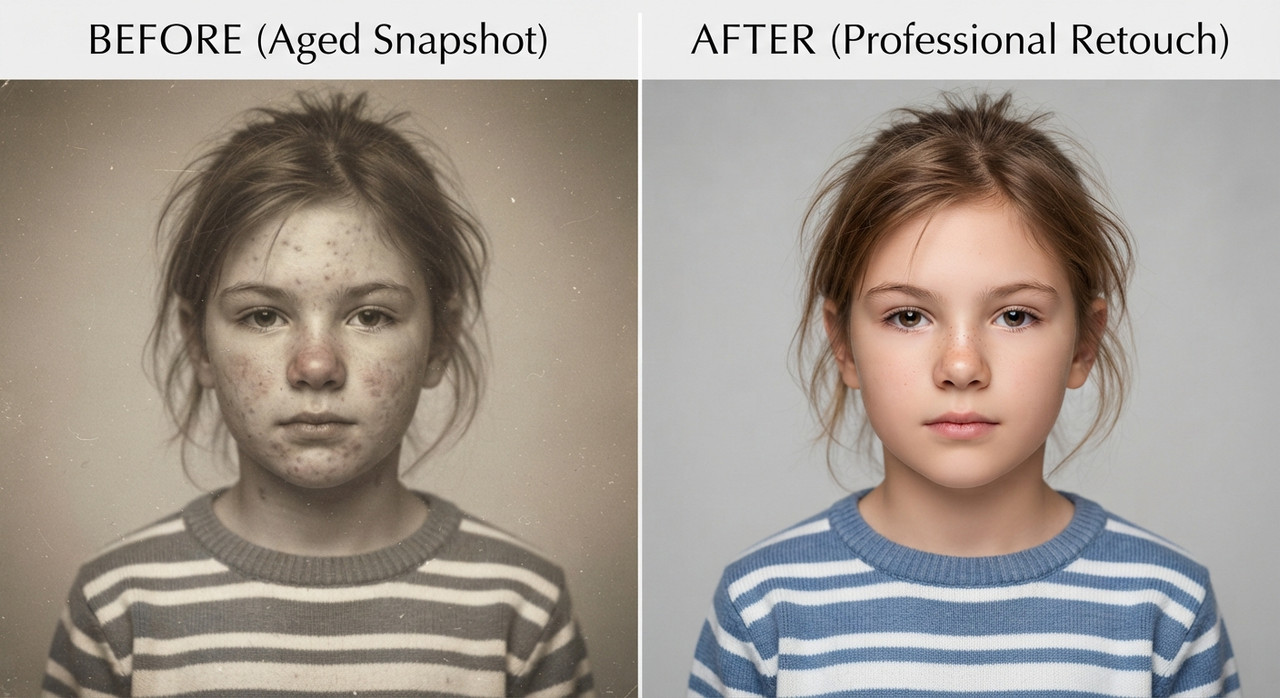
SKIN RETOUCH AND REMOVAL OF SPOTS
IT WILL SMOOTHER YOUR FACE
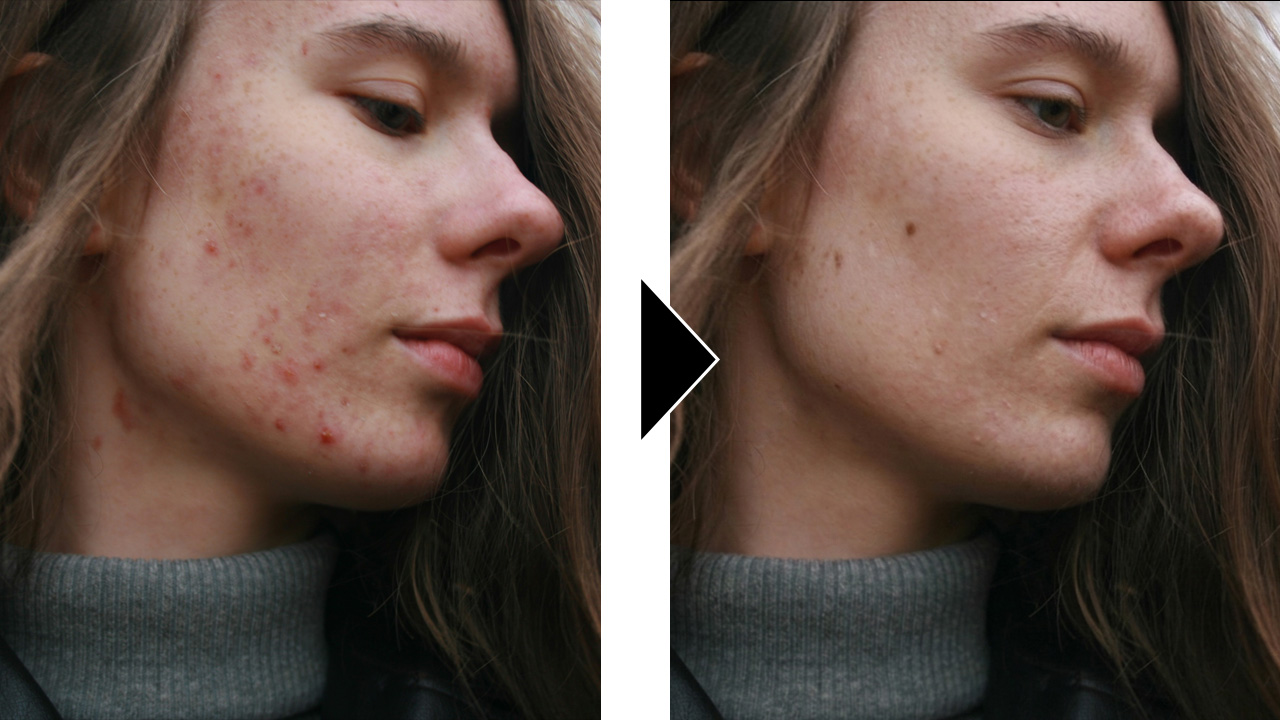
Skin enhancement retouch, preserve original identity and structure, refine skin texture
without smoothing, maintain pores, freckles, and natural variation, reduce temporary
blemishes and redness only, even out tone subtly without flattening depth, retain natural
highlights and shadow transitions, keep under-eye detail intact with slight softening not
removal, avoid plastic or airbrushed finish, maintain original lighting and color balance,
enhance micro-contrast for realistic texture, lips and eyes untouched except for natural
clarity, no reshaping of facial features, no artificial glow, no over-sharpening, seamless
integration with original image, invisible edit with high realism.
Try this prompt in
How to Use This Prompt
SKIN RETOUCH AND REMOVAL OF SPOTS is a ready-to-use AI image prompt designed for image upscaling who want consistent, high-quality results without spending hours on trial and error. IT WILL SMOOTHER YOUR FACE
Use this prompt whenever you need polished visuals for image upscaling workflows — typical moments include client work, content production, classroom prep, and rapid iteration on ideas. Copy the full prompt, paste it into your preferred AI tool, and replace any bracketed placeholders with your own specifics (topic, brand, subject, or constraints).
For best results, give the model a clear context line before pasting, keep your replacements concrete (numbers, names, examples), and regenerate 2–3 variations to pick the strongest composition. Pair it with the customization tips below to adapt it to your exact use case.
Example Output
Expect a sharp, well-composed image with clean subject framing, balanced lighting, and SKIIN RETOUCHING, Skin upscaller details suitable for direct use in social posts, thumbnails, or product mockups.
it will remove all of your dark spots and other marks from the face and make a better look avoiding changing your facial expresion.
Prompt Details
Customization Tips
- Swap the subject for your own — replace the main noun with your product, character, or scene.
- Change the lighting (golden hour, studio softbox, neon night) to shift the mood.
- Add a specific camera or lens reference (e.g. "shot on 35mm, f/1.8") for a photo feel.
- Lock the aspect ratio to match your platform (9:16 for Reels, 16:9 for YouTube).
- Add or remove a style modifier like "cinematic", "minimalist", or "editorial".
- Specify a color palette in hex or named colors to match your brand.
- Append "no text, no watermark" to keep outputs clean.
- Use negative prompts (e.g. "no blur, no extra fingers") if your model supports them.
Frequently Asked Questions
What is the "SKIN RETOUCH AND REMOVAL OF SPOTS" prompt used for?
IT WILL SMOOTHER YOUR FACE
Which AI model works best for SKIIN RETOUCHING?
Nano Banana Pro (Gemini 3 Image) handles this prompt best today; Midjourney v7 is the strongest alternative if you already pay for it, and Flux.2 Pro is a solid free-tier fallback.
Is the SKIN RETOUCH AND REMOVAL OF SPOTS prompt free?
Yes — it's free on PromptCraft, no account needed, and you can reuse it in client or commercial work.
Can I sell or publish images made with this SKIIN RETOUCHING prompt?
Usually yes, but rights come from the image tool, not from us. Paid tiers of Nano Banana Pro (Gemini 3 Image) and Midjourney v7 currently grant commercial use — check their live terms before a paid client delivery.
Why does my result look different from the example?
AI models sample randomly, so two runs of the same prompt rarely match. Generate three, keep the best, and refine that one with a short follow-up.
Reviews(0)
Related prompts