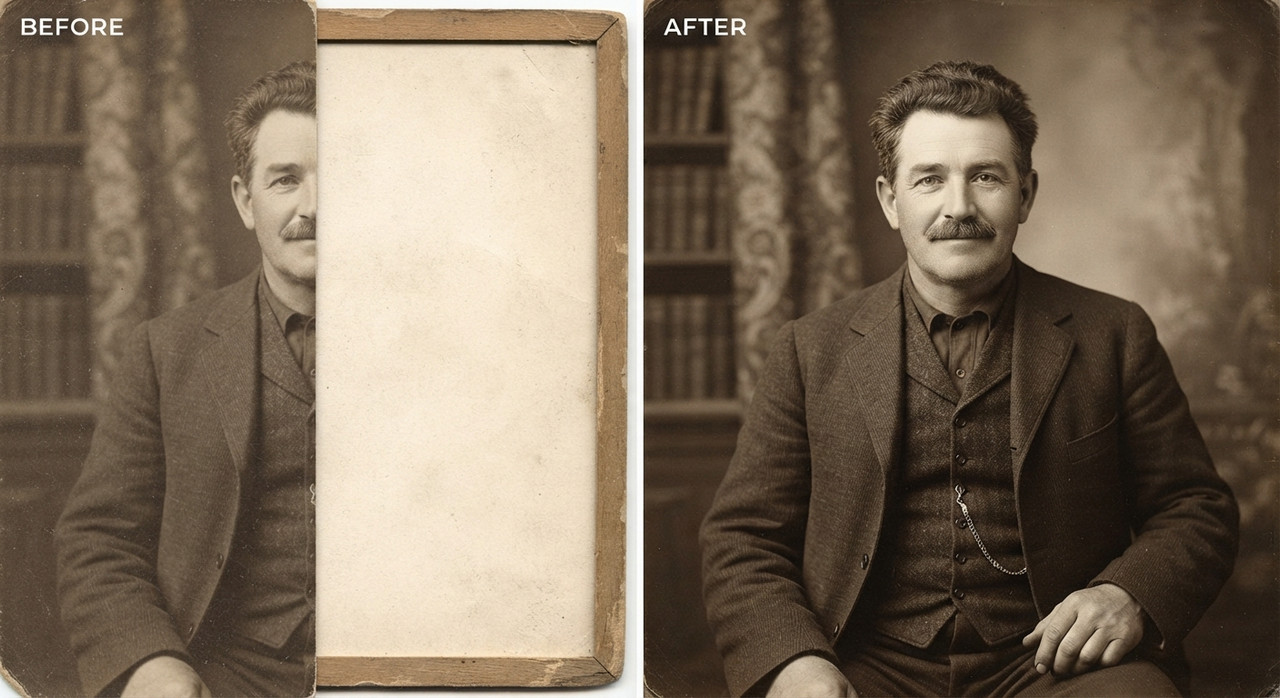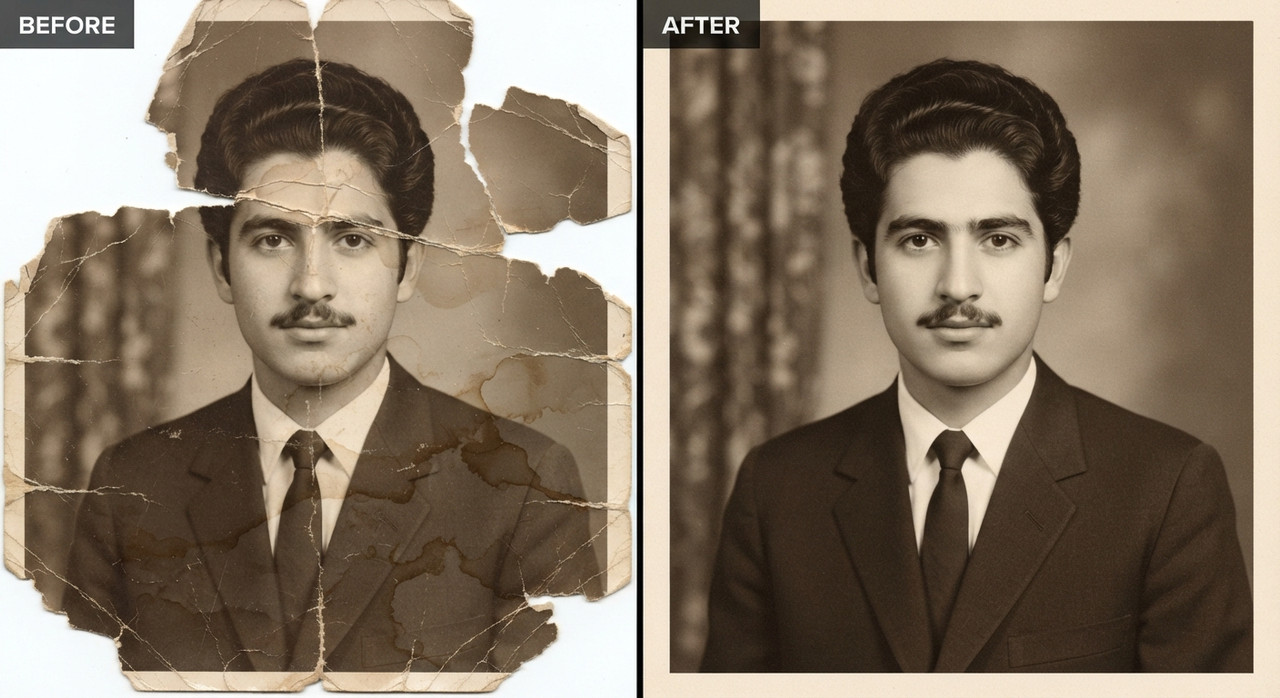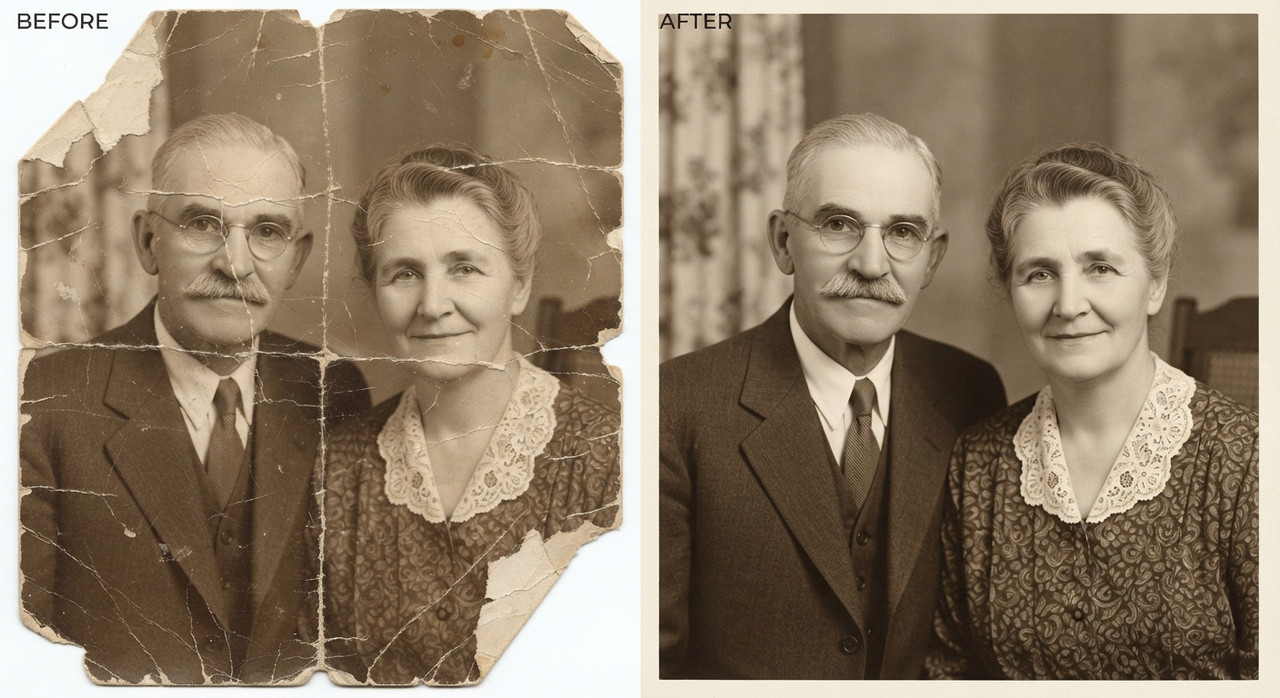
Compressed JPEG to HD Restoration AI Prompts for Image Upscaling by Prompt Craft
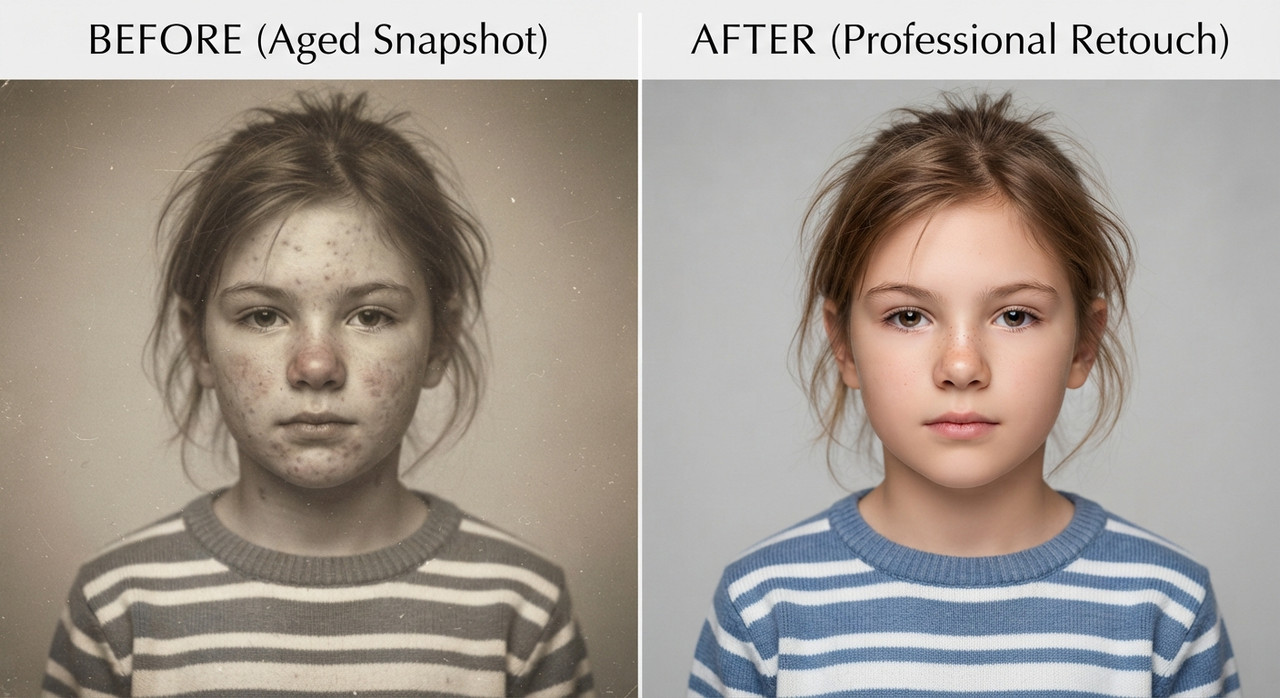
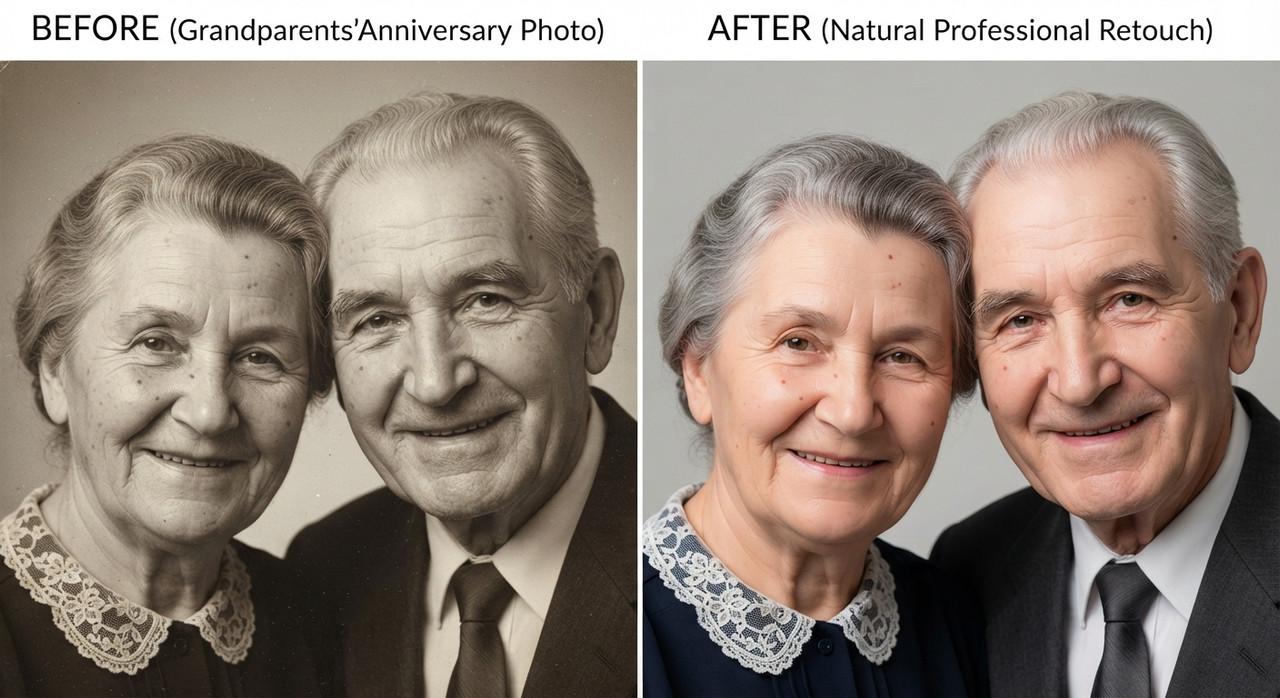
Convert a pixelated, blurry, or low-resolution photo into a sharp HD image. Upscale old photos to high definition with Prompt Craft.
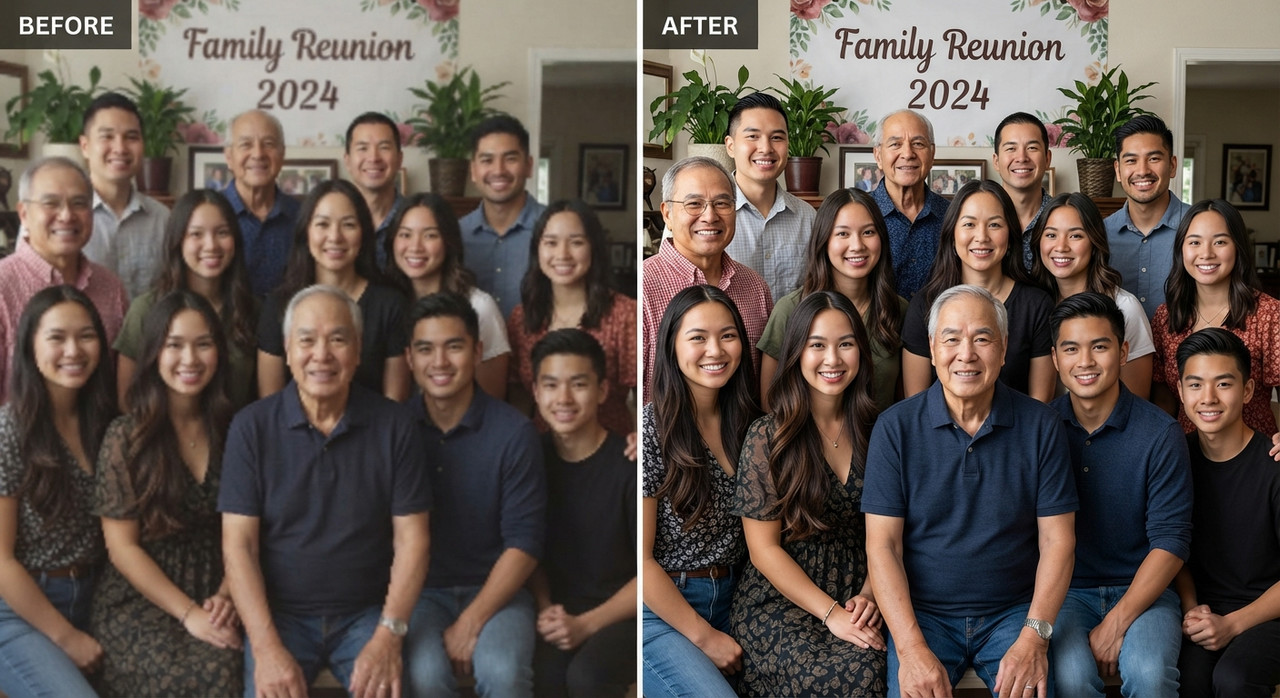
Subject : Use reference image as subject from uploaded reference image only, without changing the person's identity.
Input Condition & Quality Issue
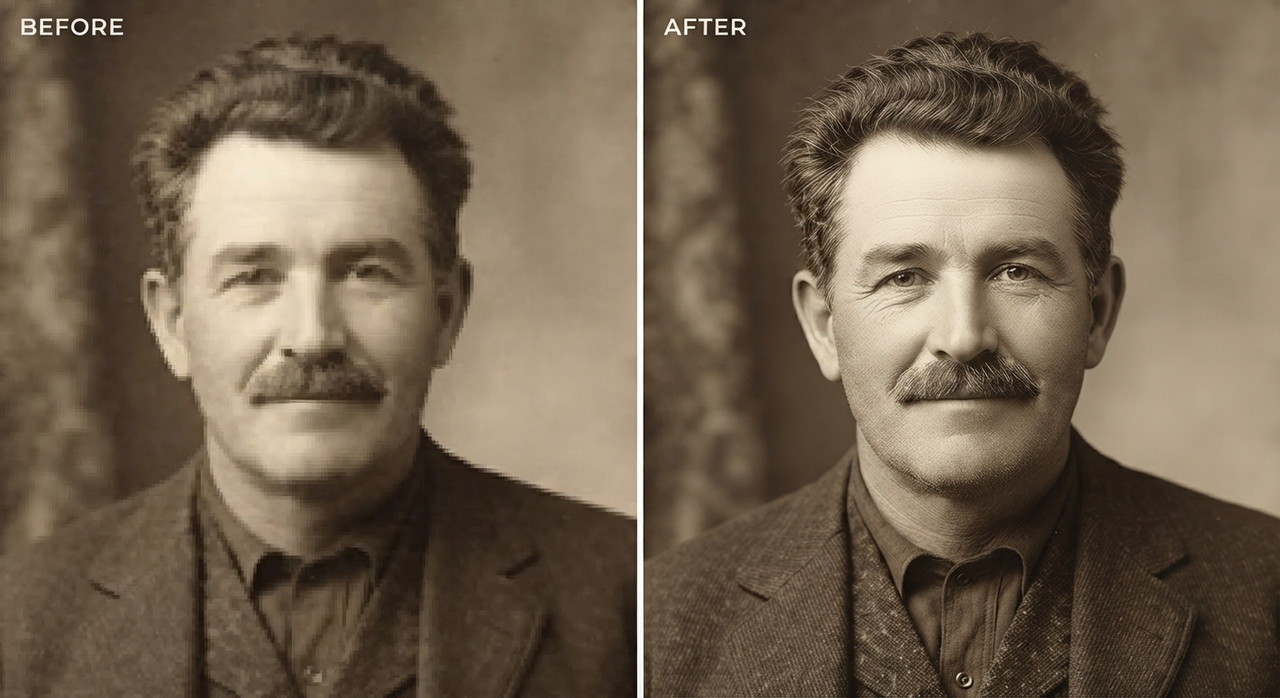
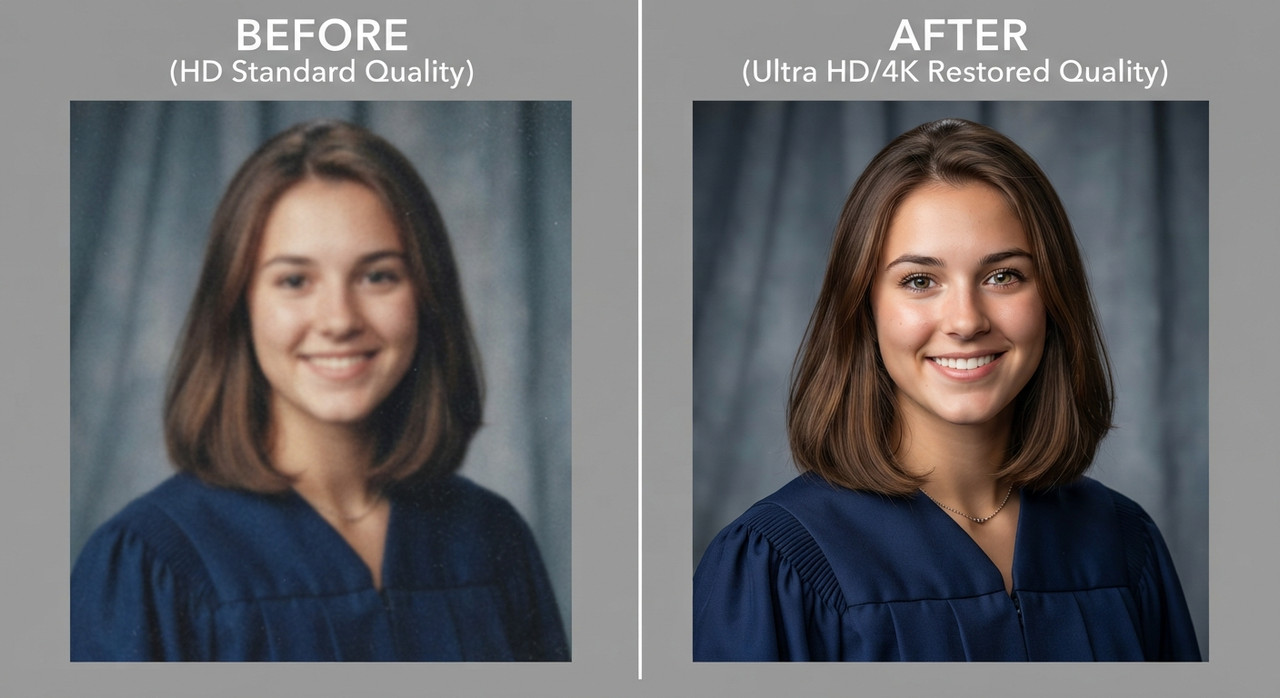
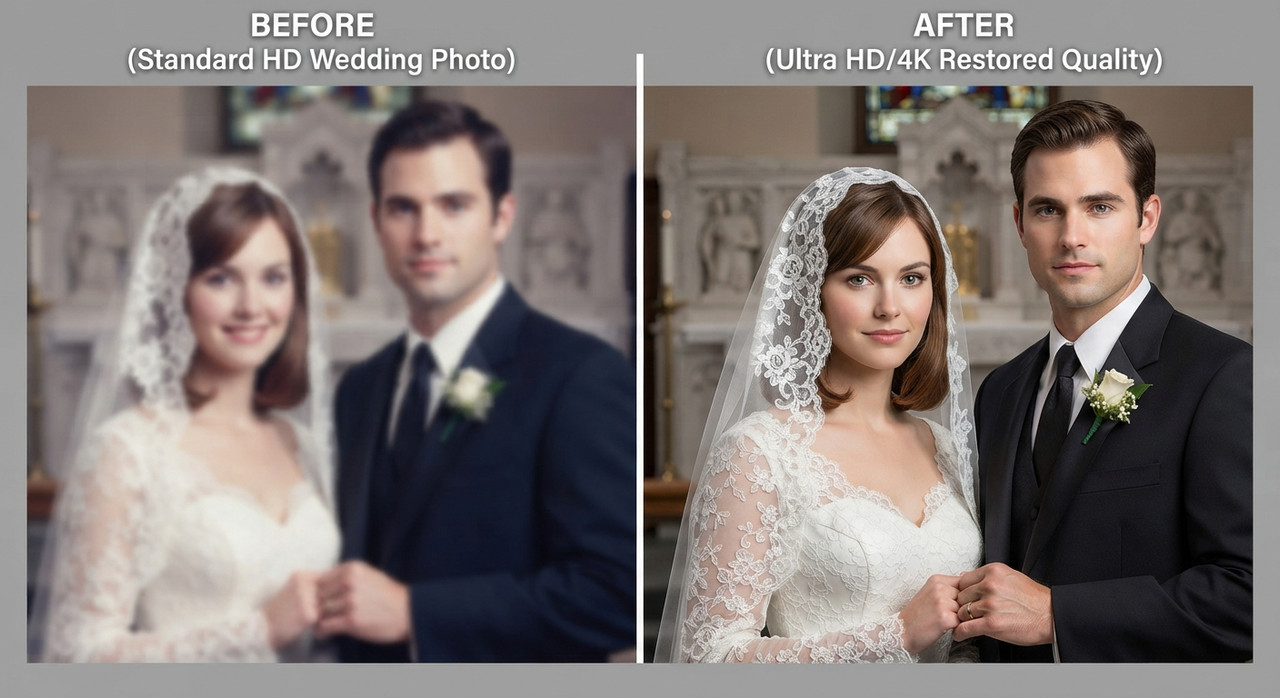
The uploaded photo is a group reunion photo that is heavily pixelated, blocky, blurry, or degraded due to low original resolution, aggressive compression, or being captured through a low-quality camera or screenshot. Fine details such as facial features, hair strands, fabric texture, and background elements are lost, distorted, or blended into visible square pixel blocks and compression artifacts, making the image unsuitable for printing or clear viewing.
Technical Upscaling Process
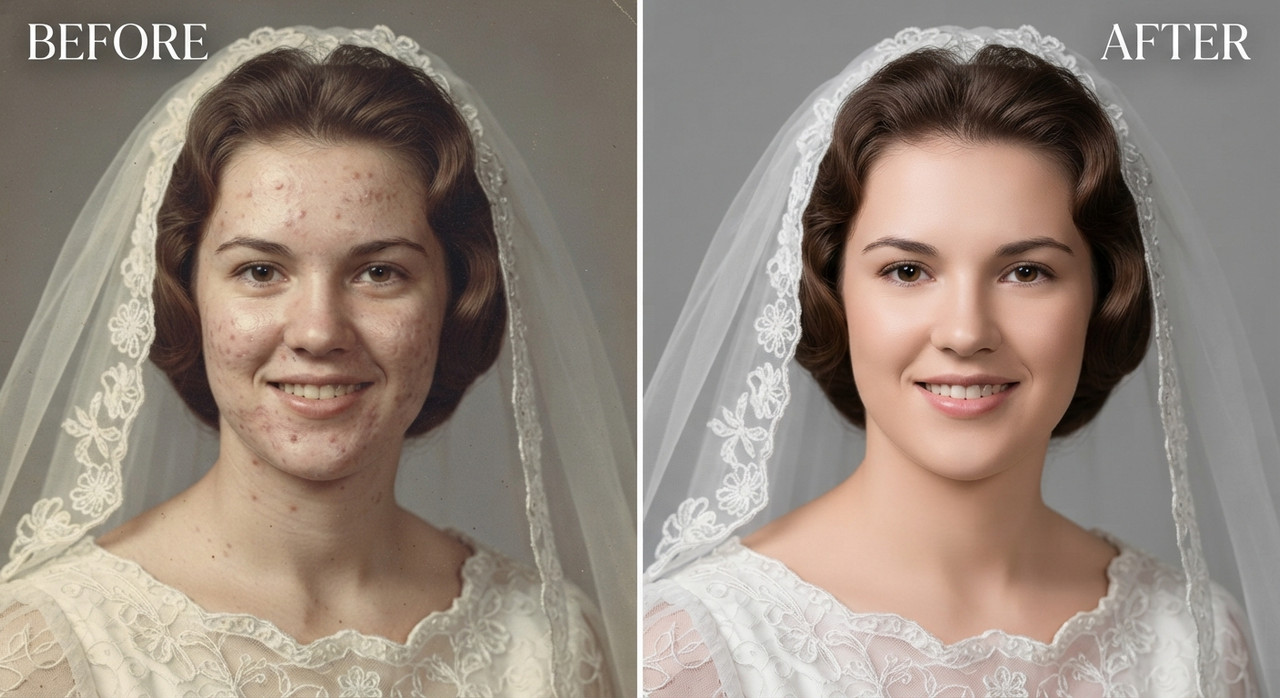
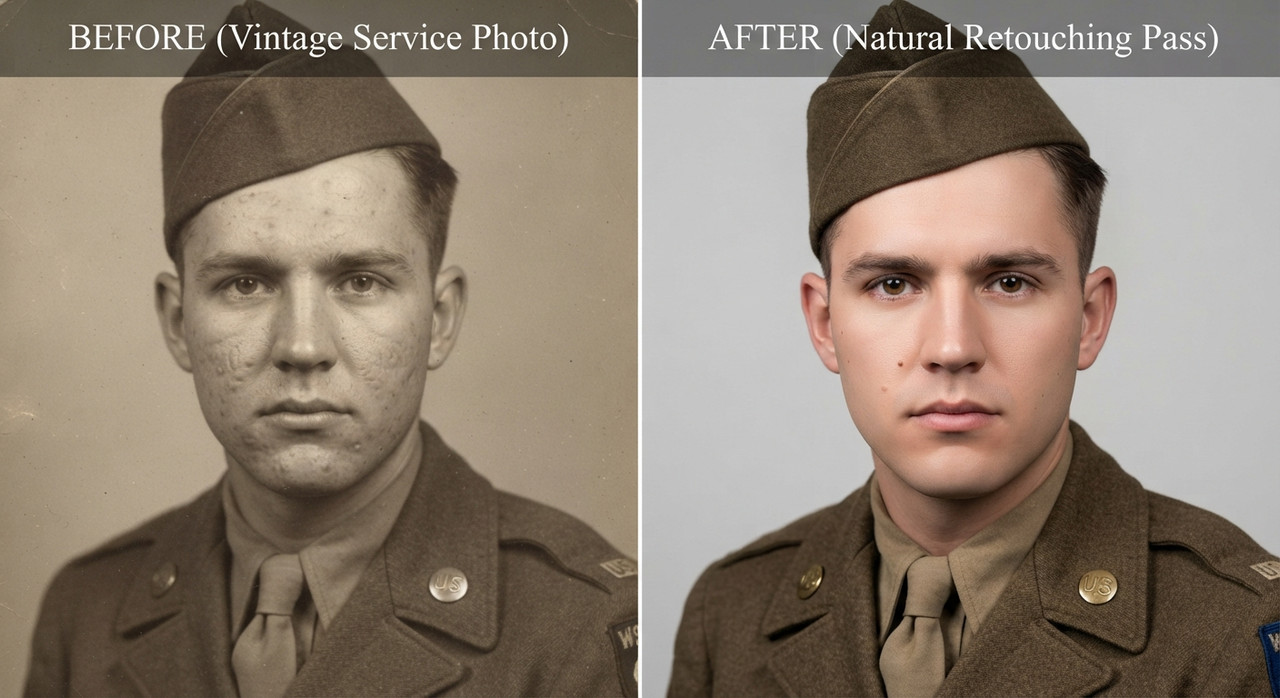
Apply intelligent AI super-resolution upscaling to rebuild lost detail, converting blocky, pixelated regions into smooth, natural, high-definition detail. Reconstruct fine textures including individual hair strands, skin pores, eyelashes, fabric weave, and background elements that were previously indecipherable due to pixelation. Remove compression artifacts, banding, and color blocking while sharpening true edges without introducing halo effects, oversharpening, or an artificial plastic appearance. Correct any color bleeding or noise introduced by the original low-quality source file.
Output Quality & Resolution
Deliver a crisp, high-definition version of the image with significantly increased pixel density, natural sharpness, and accurate color reproduction across skin tones, clothing, and background. Ensure the upscaled image holds up under close inspection and enlargement, with smooth gradients and realistic micro-detail rather than artificial smoothing or blur. Balance contrast and exposure so the HD result looks like it was captured on modern high-resolution equipment rather than merely enlarged.
Special Instructions
Preserve the subject's identity with absolute fidelity to the reference image, maintaining 100% facial and anatomical likeness. Keep all facial features, expressions, age, ethnicity, skin tone, hair, and unique details such as moles, scars, freckles, and natural asymmetry exactly unchanged. Retain the original body proportions, posture, and biometric characteristics without unwanted modifications. Do not replace the face with a generic AI appearance or alter the person's true identity in any way. Do not change facial structure, expression, pose, or clothing design while removing pixelation; only clarity, sharpness, and resolution should be enhanced. The final HD output must remain fully recognizable as the same person from the original low-resolution file, now rendered with professional-grade clarity suitable for printing, social media, or portfolio use.
Try this prompt in
How to Use This Prompt
Compressed JPEG to HD Restoration AI Prompts for Image Upscaling by Prompt Craft is a ready-to-use AI image prompt designed for image upscaling who want consistent, high-quality results without spending hours on trial and error. Convert a pixelated, blurry, or low-resolution photo into a sharp HD image. Upscale old photos to high definition with Prompt Craft.
Use this prompt whenever you need polished visuals for image upscaling workflows — typical moments include client work, content production, classroom prep, and rapid iteration on ideas. Copy the full prompt, paste it into your preferred AI tool, and replace any bracketed placeholders with your own specifics (topic, brand, subject, or constraints).
For best results, give the model a clear context line before pasting, keep your replacements concrete (numbers, names, examples), and regenerate 2–3 variations to pick the strongest composition. Pair it with the customization tips below to adapt it to your exact use case.
Example Output
Expect a sharp, well-composed image with clean subject framing, balanced lighting, and pixelated to hd, low resolution to hd details suitable for direct use in social posts, thumbnails, or product mockups.
Prompt Details
Customization Tips
- Swap the subject for your own — replace the main noun with your product, character, or scene.
- Change the lighting (golden hour, studio softbox, neon night) to shift the mood.
- Add a specific camera or lens reference (e.g. "shot on 35mm, f/1.8") for a photo feel.
- Lock the aspect ratio to match your platform (9:16 for Reels, 16:9 for YouTube).
- Add or remove a style modifier like "cinematic", "minimalist", or "editorial".
- Specify a color palette in hex or named colors to match your brand.
- Append "no text, no watermark" to keep outputs clean.
- Use negative prompts (e.g. "no blur, no extra fingers") if your model supports them.
Frequently Asked Questions
What is the "Compressed JPEG to HD Restoration AI Prompts for Image Upscaling by Prompt Craft" prompt used for?
Convert a pixelated, blurry, or low-resolution photo into a sharp HD image. Upscale old photos to high definition with Prompt Craft.
Which AI model works best for pixelated to hd?
Run it on Nano Banana Pro (Gemini 3 Image) first. If the result feels flat, try Midjourney v7 or Flux.2 Pro — each interprets pixelated to hd slightly differently.
Is the Compressed JPEG to HD Restoration AI Prompts for Image Upscaling by Prompt Craft prompt free?
Completely free, no signup wall. You only pay whatever your AI tool charges for generation.
Can I sell or publish images made with this pixelated to hd prompt?
Commercial use depends on your generator's licence. Nano Banana Pro (Gemini 3 Image) and Midjourney v7 allow it on paid plans; free tiers are often personal-use only.
Why does my result look different from the example?
Model updates and random sampling both shift results. Locking a seed (where supported) or repeating the run two or three times gets you closest to the example.
Reviews(0)
Related prompts