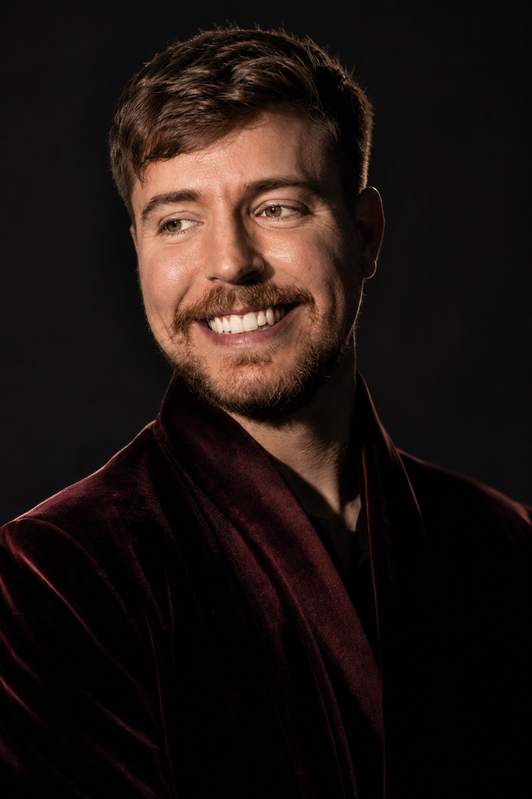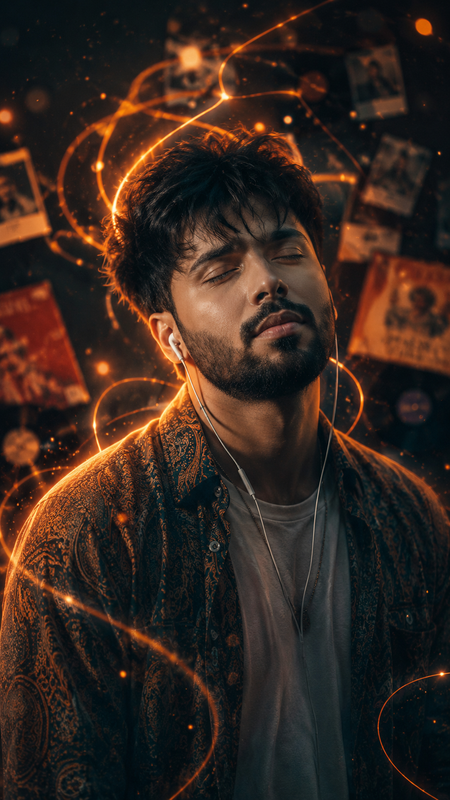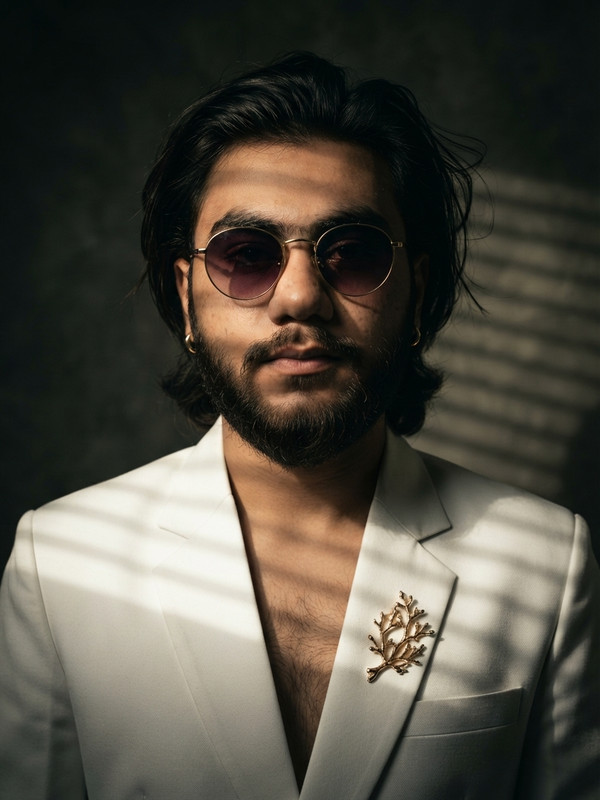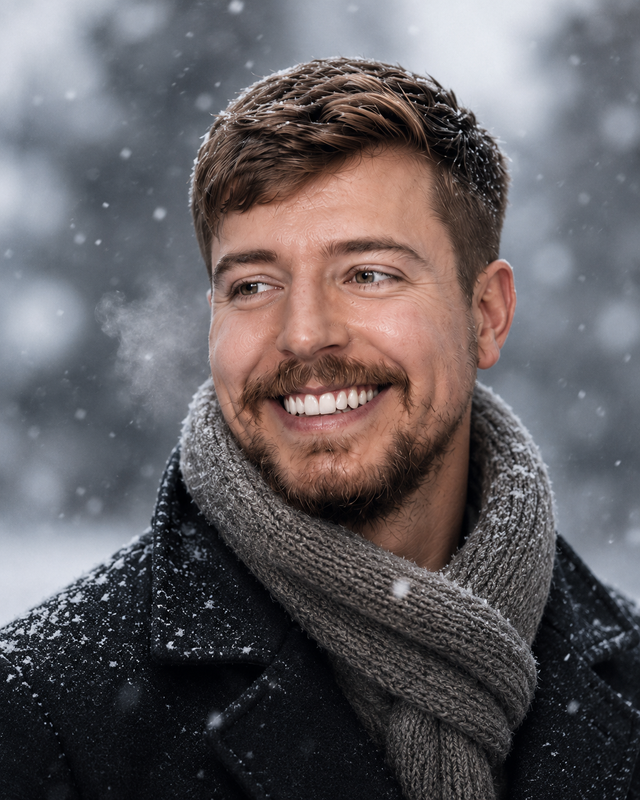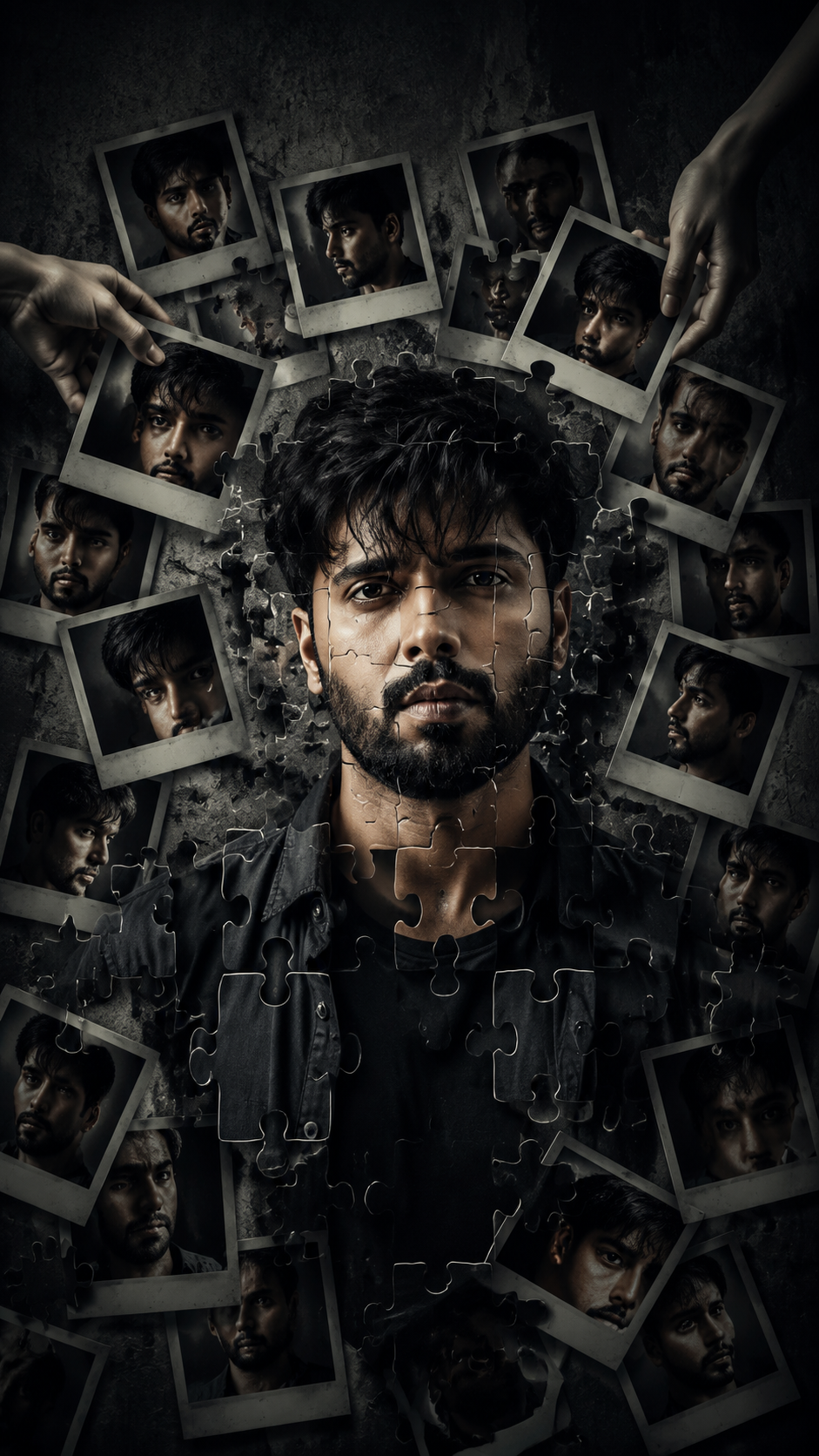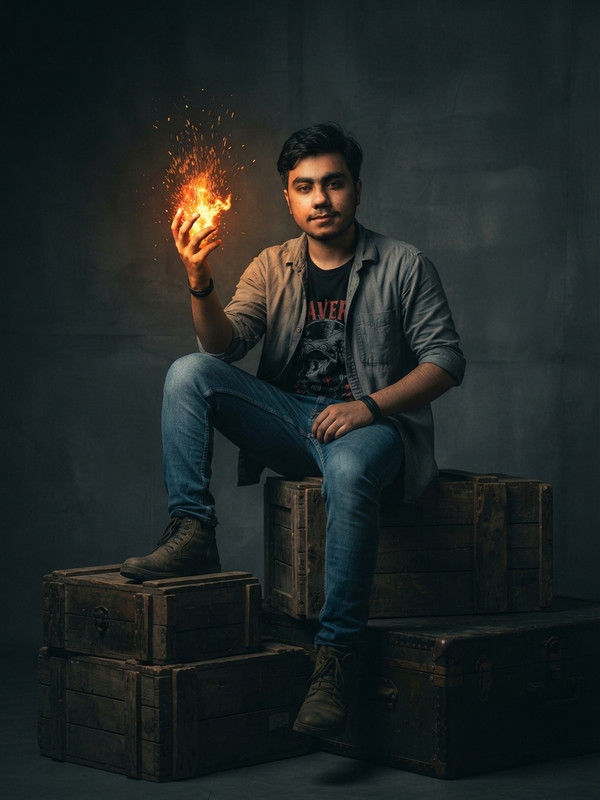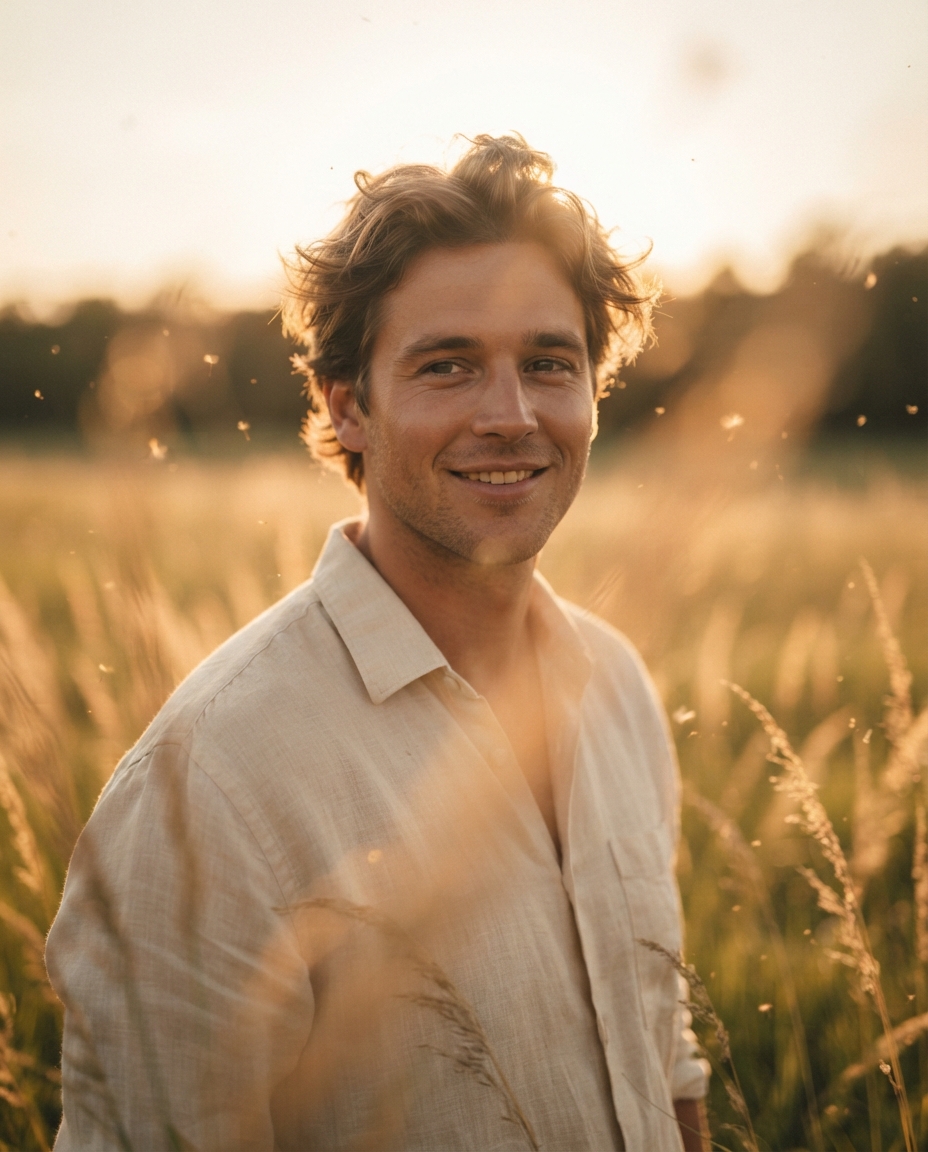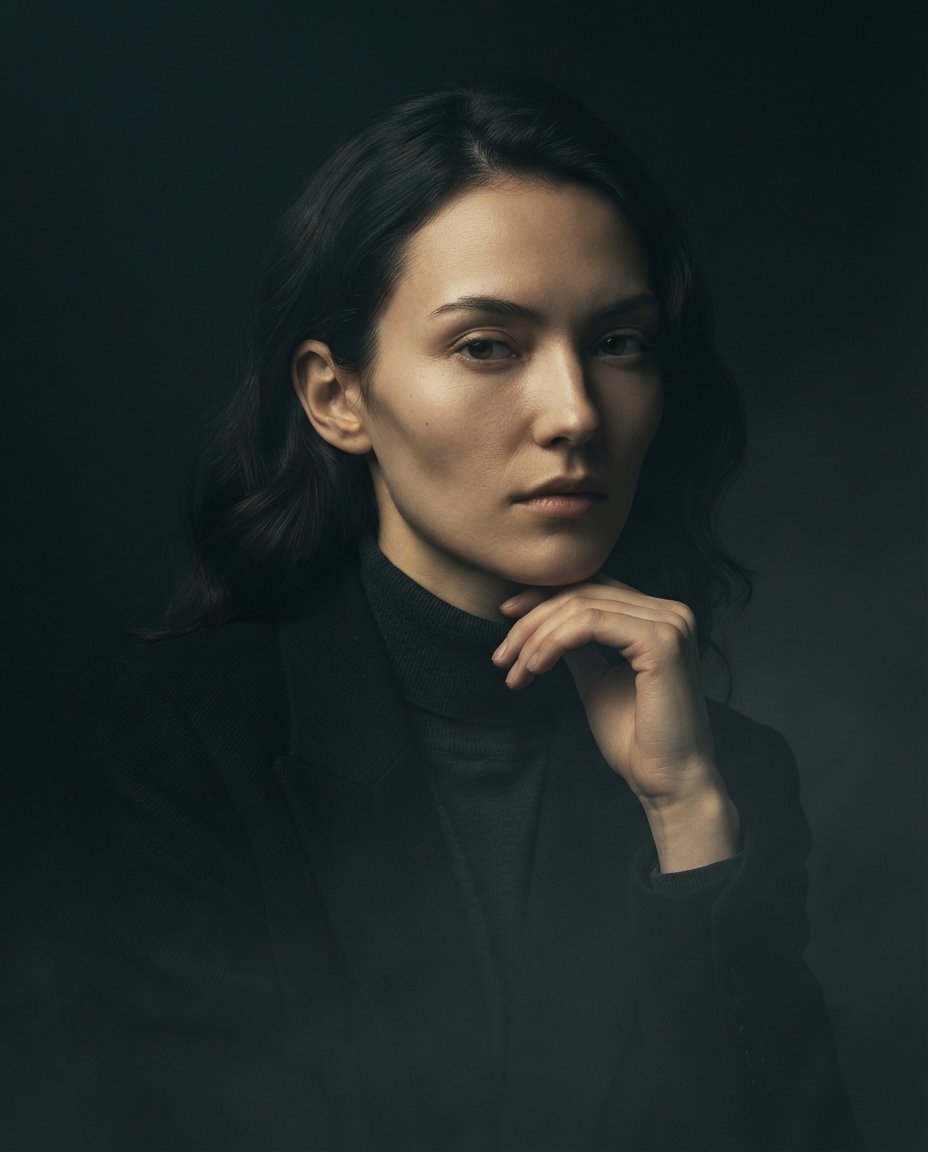
RESTING AT CHAIR HIGH PROFILE PORTRAIT
RESTING AT CHAIR HIGH PROFILE PORTRAIT

Create a hyper-realistic portrait of the same man from the uploaded reference image, seated confidently on a sleek contemporary designer chair inside a luxury studio environment. He is wearing the newest AC Milan black and red home jersey with premium fabric details, slim-fit black cargo pants, and modern white Nike Air sneakers with subtle red accents. His pose is relaxed yet powerful, one leg crossed naturally over the other, one arm resting casually on the chair, projecting confidence and effortless masculine energy. Preserve the exact facial identity, hairstyle, beard structure, skin tone, and expression from the reference image with ultra-accurate likeness.

The studio background should feature a smooth matte charcoal-gray backdrop with soft cinematic rim lighting and diffused shadows, creating a premium sports-fashion magazine aesthetic. Add subtle ambient glow reflections on the floor, luxury editorial atmosphere, and modern sporty elegance. Highly realistic skin texture, visible fabric stitching, authentic jersey material, natural shadows, crisp details, shallow depth of field, 85mm lens photography look, symmetrical framing, full-body composition, photorealistic 8K quality.

Mood should feel elite, stylish, athletic, calm, and iconic, like a world-famous football star during a luxury brand photoshoot.
Try this prompt in
How to Use This Prompt
RESTING AT CHAIR HIGH PROFILE PORTRAIT is a ready-to-use AI image prompt designed for creative ai art who want consistent, high-quality results without spending hours on trial and error. RESTING AT CHAIR HIGH PROFILE PORTRAIT
Use this prompt whenever you need polished visuals for creative ai art workflows — typical moments include client work, content production, classroom prep, and rapid iteration on ideas. Copy the full prompt, paste it into your preferred AI tool, and replace any bracketed placeholders with your own specifics (topic, brand, subject, or constraints).
For best results, give the model a clear context line before pasting, keep your replacements concrete (numbers, names, examples), and regenerate 2–3 variations to pick the strongest composition. Pair it with the customization tips below to adapt it to your exact use case.
Example Output
Expect a sharp, well-composed image with clean subject framing, balanced lighting, and sitting portrait, portrait details suitable for direct use in social posts, thumbnails, or product mockups.
RESTING AT CHAIR HIGH PROFILE PORTRAIT
Prompt Details
Customization Tips
- Swap the subject for your own — replace the main noun with your product, character, or scene.
- Change the lighting (golden hour, studio softbox, neon night) to shift the mood.
- Add a specific camera or lens reference (e.g. "shot on 35mm, f/1.8") for a photo feel.
- Lock the aspect ratio to match your platform (9:16 for Reels, 16:9 for YouTube).
- Add or remove a style modifier like "cinematic", "minimalist", or "editorial".
- Specify a color palette in hex or named colors to match your brand.
- Append "no text, no watermark" to keep outputs clean.
- Use negative prompts (e.g. "no blur, no extra fingers") if your model supports them.
Frequently Asked Questions
What is the "RESTING AT CHAIR HIGH PROFILE PORTRAIT" prompt used for?
RESTING AT CHAIR HIGH PROFILE PORTRAIT
Which AI model works best for sitting portrait?
Nano Banana Pro (Gemini 3 Image) handles this prompt best today; Midjourney v7 is the strongest alternative if you already pay for it, and Flux.2 Pro is a solid free-tier fallback.
Is the RESTING AT CHAIR HIGH PROFILE PORTRAIT prompt free?
Completely free, no signup wall. You only pay whatever your AI tool charges for generation.
Can I sell or publish images made with this sitting portrait prompt?
Usually yes, but rights come from the image tool, not from us. Paid tiers of Nano Banana Pro (Gemini 3 Image) and Midjourney v7 currently grant commercial use — check their live terms before a paid client delivery.
Why does my result look different from the example?
Model updates and random sampling both shift results. Locking a seed (where supported) or repeating the run two or three times gets you closest to the example.
Reviews(0)
Related prompts